Home Automation for Beginners: Where to Start
21 January 2026
So, you've decided to dip your toes into the world of home automation—congratulations! You're officially on your way to living in the future, where lights obey your voice, coffee brews itself, and thermostats adjust like they have psychic powers. But before you start dreaming of a fully automated mansion, let's break it down step by step.
Whether you're a total newbie or just looking for a few smart upgrades, this guide will help you navigate the exciting (and sometimes overwhelming) world of home automation. So, grab a coffee (or better yet, get a smart coffee maker to do it for you), and let's get started!
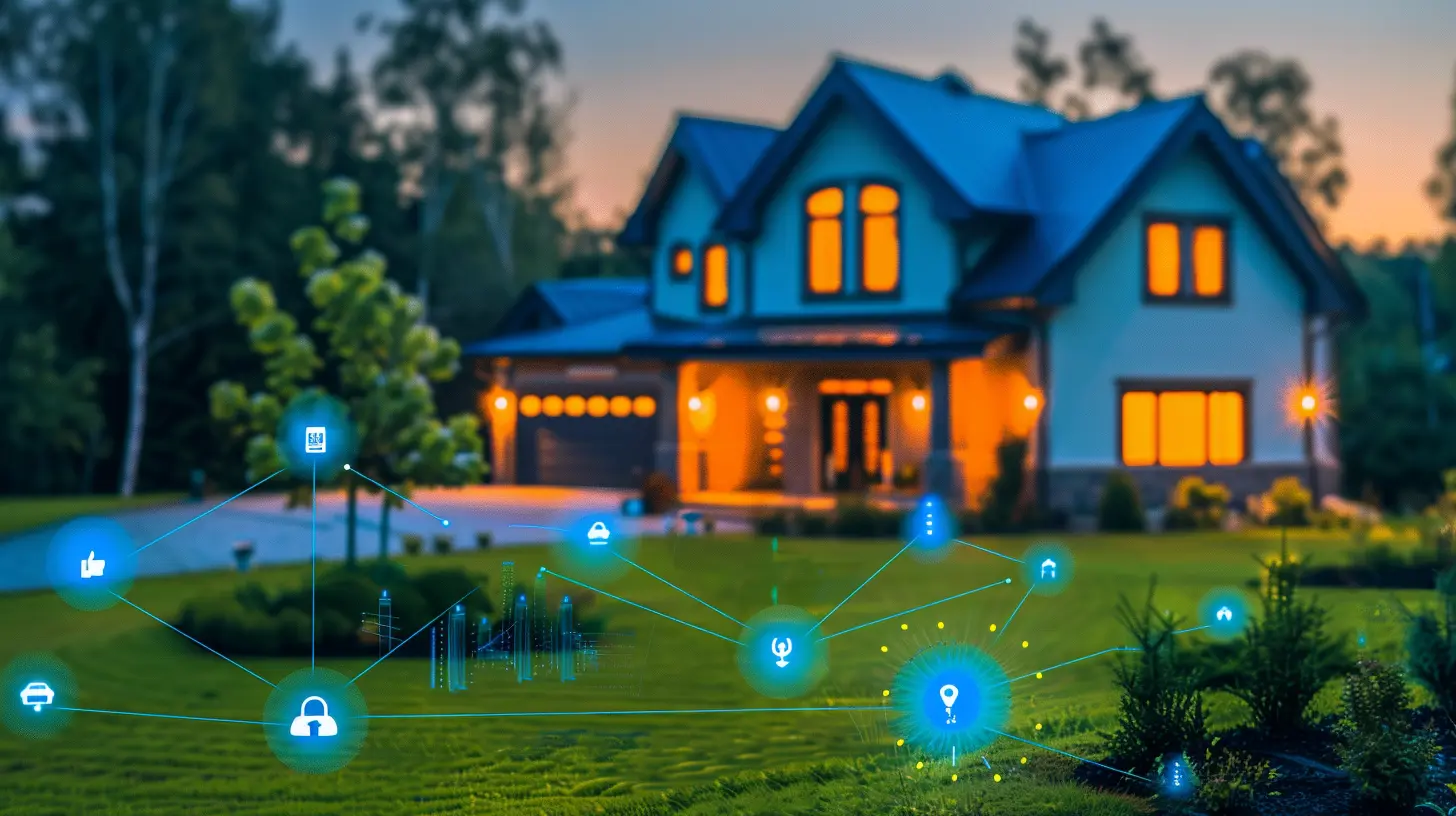
What Exactly Is Home Automation?
In simple terms, home automation is the process of using smart devices that can be remotely controlled or set to operate on their own based on schedules, voice commands, or sensors.Think of it as giving your home a brain—except it doesn't forget things like where you left your keys. From smart lights and thermostats to security systems and robotic vacuums, automation can make your home more efficient, secure, and, let’s be honest, a lot cooler.
But where do you even start? Let’s break it down into bite-sized steps. 
Step 1: Choose a Smart Home Ecosystem
Before you start buying smart gadgets left and right, it's crucial to pick the right ecosystem. This is like choosing a smartphone—are you an Apple person, an Android user, or something else entirely? Your smart home ecosystem determines which devices will work seamlessly together.Popular Smart Home Hubs
- Amazon Alexa: Works with a vast number of devices and lets you control them via Alexa-enabled speakers (like the Echo).- Google Home (Google Assistant): Ideal if you're deeply invested in Google products.
- Apple HomeKit: Great for Apple users, but with fewer compatible devices than Alexa or Google.
- Samsung SmartThings: A solid choice if you want wide compatibility across different brands.
Pick an ecosystem that aligns with your existing devices. If you already use a lot of Apple products, HomeKit might be the best fit. If you love saying, “Hey Google,” go with Google Assistant. 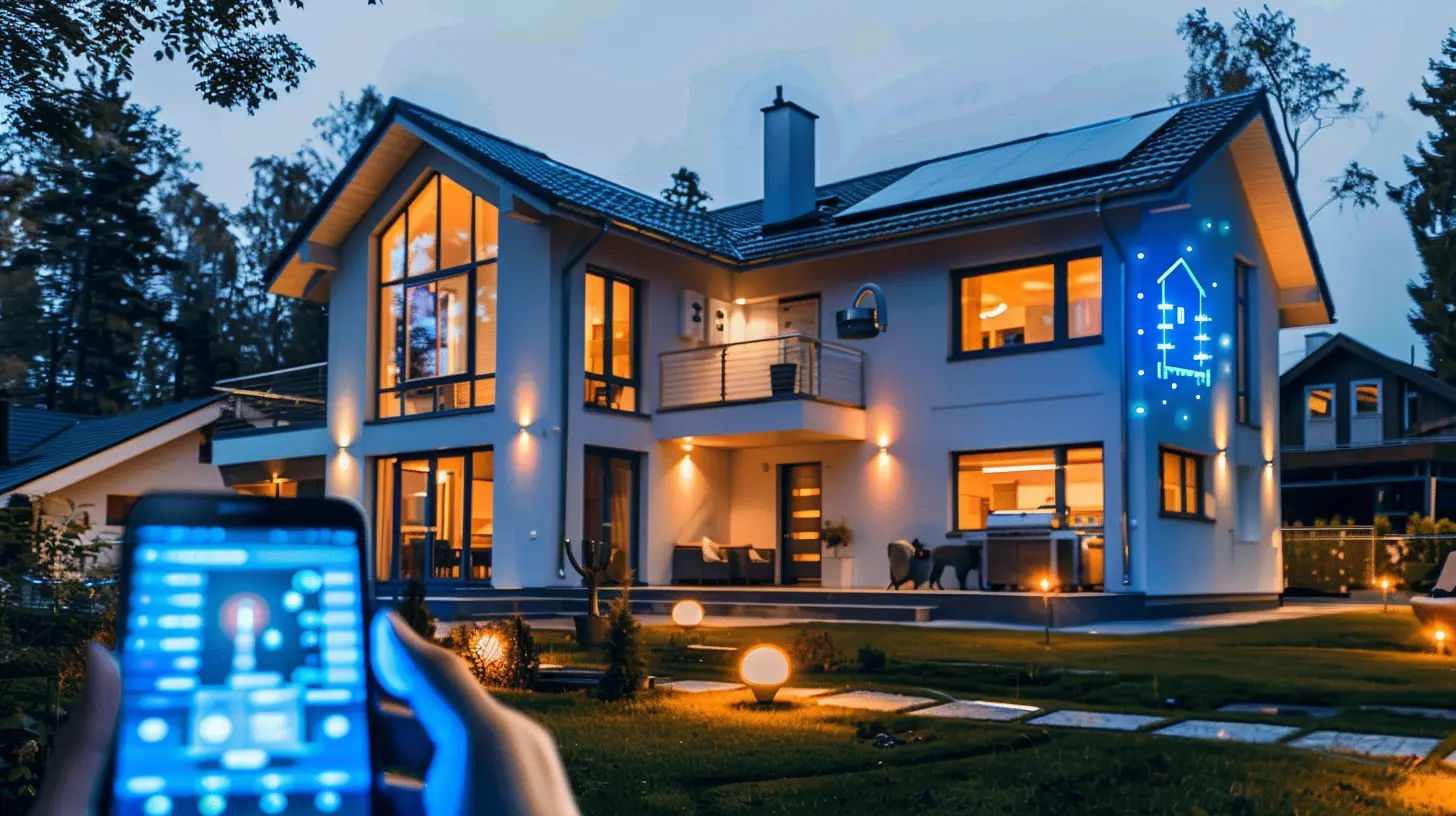
Step 2: Start With the Essentials
You don’t need to automate everything at once—unless you’re channeling your inner Tony Stark. Start small, test a few devices, and expand from there. Here are the best beginner-friendly smart home devices to consider:1. Smart Speakers & Displays
These work as the brain of your smart home, letting you control devices with just your voice. They’re also handy for daily tasks like checking the weather, setting timers, or playing your favorite tunes.Recommended Devices:
- Amazon Echo
- Google Nest Hub
- Apple HomePod
2. Smart Lighting
Want to turn off the lights without getting out of bed? Smart bulbs and switches let you control lighting with voice commands, phone apps, or even motion sensors.Popular Options:
- Philips Hue (customizable colors & dimming)
- LIFX (no hub required)
- TP-Link Kasa Smart Bulbs (budget-friendly)
3. Smart Thermostats
Smart thermostats learn your schedule and adjust the temperature automatically, saving you money and keeping you comfortable.Top Picks:
- Nest Learning Thermostat
- Ecobee SmartThermostat
- Honeywell Home T9
4. Smart Plugs
These little gadgets turn ordinary appliances into smart ones. Plug in a lamp, coffee maker, or even a fan, and suddenly, they become part of your automated home.Popular Choices:
- TP-Link Kasa Smart Plug
- Wemo Mini Smart Plug
- Amazon Smart Plug
5. Smart Security Devices
Keeping your home secure is a top priority. Smart doorbells, locks, and cameras let you monitor things from anywhere.Best Options:
- Ring Video Doorbell (See who's at your door from your phone)
- August Smart Lock (Keyless entry & remote access)
- Arlo Pro Cameras (Wireless security cameras with motion alerts) 
Step 3: Automate Everyday Routines
Once you have a few smart devices in place, it’s time to make them work together. Automating routines is where the magic happens.Morning Routine
- Wake up to gradually brightening smart lights.- Your coffee maker turns on automatically.
- The thermostat adjusts to a comfortable temperature.
Leaving Home
- Smart locks engage, and security cameras activate.- Lights turn off to save energy.
- The thermostat lowers the temperature to conserve energy.
Movie Night Mode
- Smart lights dim to set the mood.- The TV turns on automatically.
- A smart plug pops the popcorn (okay, maybe not, but we can dream).
Bedtime Routine
- Lights turn off gradually.- Doors lock automatically.
- The thermostat adjusts for a good night’s sleep.
Step 4: Use Voice Commands Like a Pro
Now that you have a few smart devices, it’s time to flex those voice control muscles. Here’s what you can say:- "Alexa, turn off the living room lights."
- "Hey Google, set the thermostat to 72 degrees."
- "Siri, lock the front door."
It feels a little like having a personal assistant—minus the coffee runs.
Step 5: Keep It Secure!
Smart homes are convenient, but they also open up new security risks. Here’s how to keep things safe:- Use strong, unique passwords for all smart home accounts.
- Enable two-factor authentication (2FA).
- Keep your devices updated with the latest firmware.
- Secure your Wi-Fi network with a strong password.
- Change default usernames and passwords on smart devices.
Step 6: Expand & Customize Your Smart Home
Once you get comfortable, you can branch out into more advanced automation:- Smart Blinds: Control window shades with your voice.
- Smart Sprinklers: Keep your lawn green with minimal effort.
- Smart Sensors: Detect water leaks, motion, or temperature changes.
- Robot Vacuums: Because vacuuming is overrated.
The possibilities are endless, and your home can be as smart (or as simple) as you want it to be.
Common Home Automation Mistakes to Avoid
Before you start filling your shopping cart, here are a few common mistakes to watch out for:🚫 Buying too many incompatible devices – Stick to one ecosystem to avoid frustration.
🚫 Skipping the router upgrade – A smart home needs solid Wi-Fi coverage.
🚫 Ignoring security measures – Take cybersecurity seriously to protect your smart devices.
🚫 Not checking device compatibility – Just because it's "smart" doesn’t mean it will work with your setup.
Final Thoughts
Home automation doesn’t have to be complicated. Start simple, pick a few devices that make life easier, and expand at your own pace. Whether you just want voice-controlled lights or a fully automated home, the technology is there to do the heavy lifting for you.And who knows? One day, you might have a home so smart it reminds you where you left your keys (fingers crossed!).
So go ahead—embrace the future. After all, who doesn’t want to feel like they’re living in a sci-fi movie (without the robots taking over, of course)?
all images in this post were generated using AI tools
Category:
Smart HomesAuthor:

Melanie Kirkland
Discussion
rate this article
2 comments
Marigold Pope
Exciting times ahead! Home automation opens doors to convenience and joy. Let's embrace the future!
February 8, 2026 at 1:37 PM
Melanie Kirkland
Thank you! Embracing home automation truly enhances our daily lives. Exciting times indeed!
Beatrix Morgan
“Home automation: because yelling at your coffee maker for help was so last decade!”
January 25, 2026 at 5:37 AM
Melanie Kirkland
Absolutely! Home automation makes life easier and more efficient—no more shouting at appliances!