Relocating Your Home Office: Tips for Remote Workers
3 August 2026
Working from home has become the norm for many professionals. But what happens when you need to relocate? Moving your home office isn’t as simple as packing up a few boxes—your productivity, focus, and sanity depend on how smoothly the transition goes. Whether you’re moving across town or to a different state, a well-planned office relocation will ensure you’re up and running with minimal downtime.
In this guide, we’ll walk you through everything you need to consider when relocating your home office, from planning and packing to setting up your new workspace efficiently.

Why Planning Your Home Office Move Matters
Moving a home office isn’t just about packing up desks and laptops. Your workspace is where ideas come to life, deadlines are met, and productivity thrives. A poorly planned move can result in days (or even weeks) of lost work, frustration, and unnecessary stress.By planning ahead and being strategic, you can make the transition smooth and even exciting. After all, a fresh workspace could mean fresh inspiration! 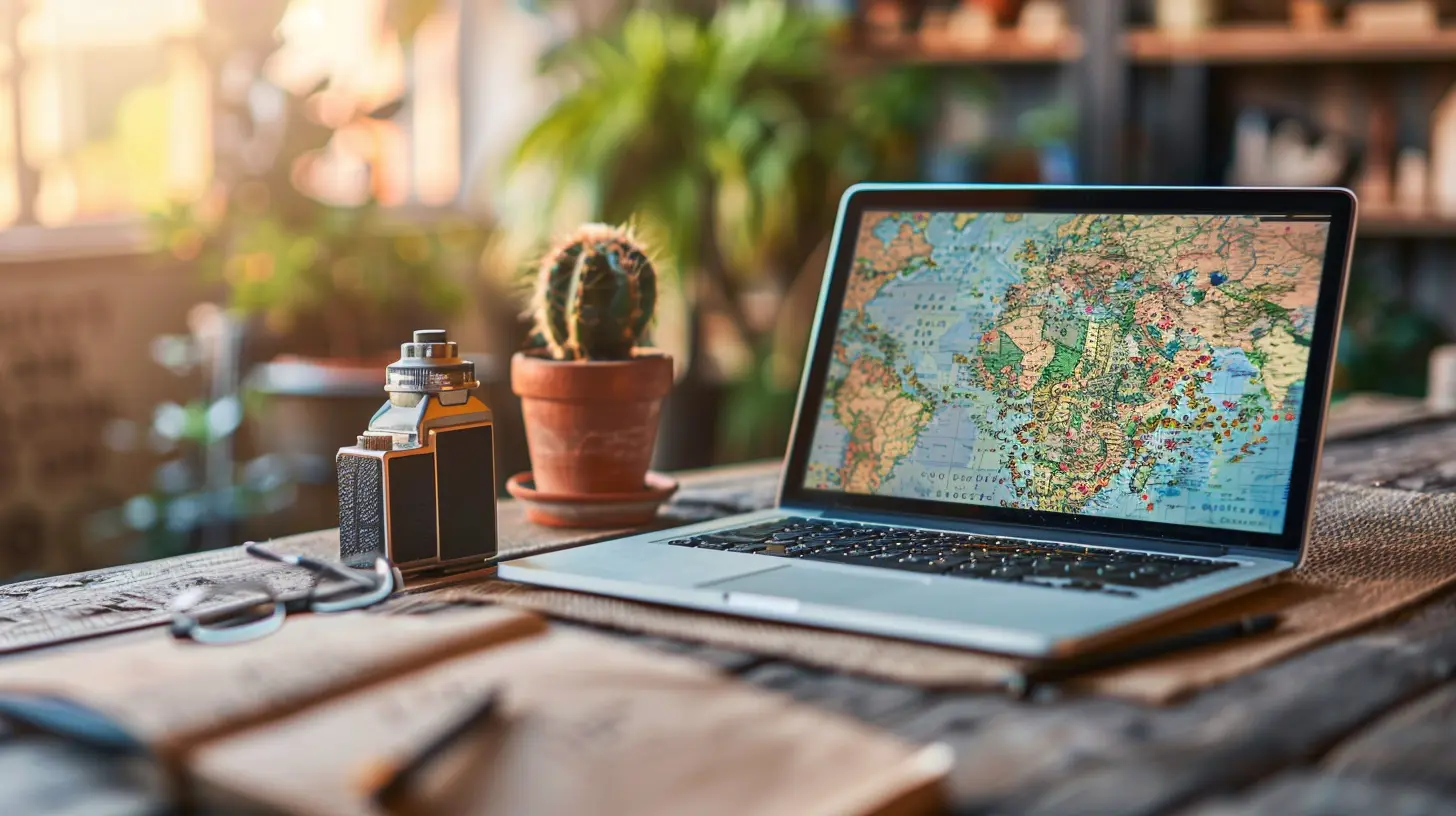
Step-By-Step Guide to Relocating Your Home Office
1. Assess Your Current Office Setup
Before you start packing, take a moment to evaluate what’s working and what’s not. Is your current desk ergonomic? Do you need better lighting? Moving is the perfect time to improve your workspace rather than simply replicating it in a new location.Ask yourself:
- What do I love about my current office setup?
- What frustrates me about it?
- What items or equipment do I rarely use?
Getting clear on your needs will help you create an even better work environment in your new space.
2. Create a Moving Checklist
A home office move involves a lot of small details. To avoid last-minute chaos, make a checklist covering all the essentials:✅ Sort and declutter your office gear
✅ Back up important files and documents
✅ Notify your clients/employer about the move
✅ Arrange for internet installation at the new place
✅ Invest in proper packing materials for fragile items
✅ Plan the layout of your new home office
A clear checklist will keep you on track and eliminate unnecessary stress.
3. Declutter and Organize
Moving is the perfect excuse to declutter! Be honest—do you really need that old printer collecting dust in the corner?Go through your office supplies, tech, and paperwork with a critical eye:
- Digitize documents: Scan important papers and save them to cloud storage.
- Get rid of outdated equipment: If it’s broken or obsolete, it's time to let it go.
- Minimize clutter: The less stuff you move, the easier the process.
A streamlined office setup makes for a more productive work environment.
4. Pack Your Office Like a Pro
Packing an office requires more than just throwing things into boxes. Proper packing protects your valuable equipment.- Use original boxes (if possible) for computers and monitors
- Wrap cables neatly and label them for easy reassembly
- Use sturdy boxes with plenty of padding for fragile items
- Pack an "essentials" box with items you’ll need right away—laptop, charger, notepad, and office supplies
Taking the time to pack carefully will make setup much easier on the other end.
5. Set Up Internet and Utilities in Advance
One of the biggest mistakes remote workers make when moving? Forgetting to arrange for internet installation ahead of time. Imagine moving in and realizing you can’t work because you have no Wi-Fi—it’s every remote worker’s nightmare!- Contact your service provider at least two weeks in advance.
- If you’re switching providers, research the best internet options for your new location.
- Test the connection before your first workday to ensure it’s reliable.
Having a functioning internet connection on day one is crucial for staying productive.
6. Design Your New Home Office for Maximum Productivity
Your new workspace is a clean slate, so why not optimize it for better productivity?- Choose the right location: A quiet, well-lit room away from distractions is ideal.
- Invest in good lighting: Natural light is best, but a quality desk lamp can work wonders.
- Get an ergonomic chair and desk: Your back will thank you.
- Add personal touches: Plants, artwork, and cozy decor can boost creativity and motivation.
Setting up your office with a focus on comfort and efficiency makes a huge difference in how you feel during the workday.
7. Test Your Setup Before Your First Workday
Once everything is unpacked and arranged, do a dry run before your first official workday.- Test your internet speed and Wi-Fi signal strength
- Make sure your desk and chair are at the right height
- Check your lighting and adjust if necessary
- Confirm that all tech (printer, webcam, microphone) works properly
This way, you can troubleshoot any issues before they become actual problems.
8. Notify Clients, Employers, and Colleagues
If you work with clients or colleagues, keep them in the loop about your move. A simple email letting them know about temporary disruptions (if any) shows professionalism and helps manage expectations.If your work schedule will be affected, provide an estimated timeline so everyone is aware of any delays.
9. Create a Smooth Transition Routine
Adjusting to a new workspace can take some time. Give yourself a grace period to settle in and establish a new routine.- Start each day with a short office setup check-in
- Take breaks to avoid burnout during the unpacking phase
- Experiment with different layouts until you find what works best
A smooth transition ensures that you stay productive without overwhelming yourself. 
Final Thoughts
Relocating your home office doesn’t have to be stressful. With a bit of planning, organization, and the right mindset, you can make the move a refreshing and exciting experience. Think of it as a chance to design a workspace that truly works for you—one that boosts motivation, creativity, and efficiency.By following these tips, you’ll be back to business in no time, ready to crush your to-do list from your brand-new home office!
all images in this post were generated using AI tools
Category:
Relocation TipsAuthor:

Melanie Kirkland
Discussion
rate this article
1 comments
Yazmin Fields
Great tips for a smooth home office move!
August 29, 2026 at 4:50 AM
Melanie Kirkland
Thank you! I'm glad you found the tips helpful. Good luck with your move!