What to Consider When Installing Smart Home Devices
12 March 2026
Smart home devices are revolutionizing the way we live. From smart thermostats to voice-activated lighting systems, automation brings convenience, security, and efficiency to our homes. But before jumping into the world of smart technology, it’s important to consider a few key factors.
Whether you're upgrading an existing system or installing smart devices for the first time, making the right choices will save you time, money, and frustration. Let’s dive into the crucial things you should think about when installing smart home devices. 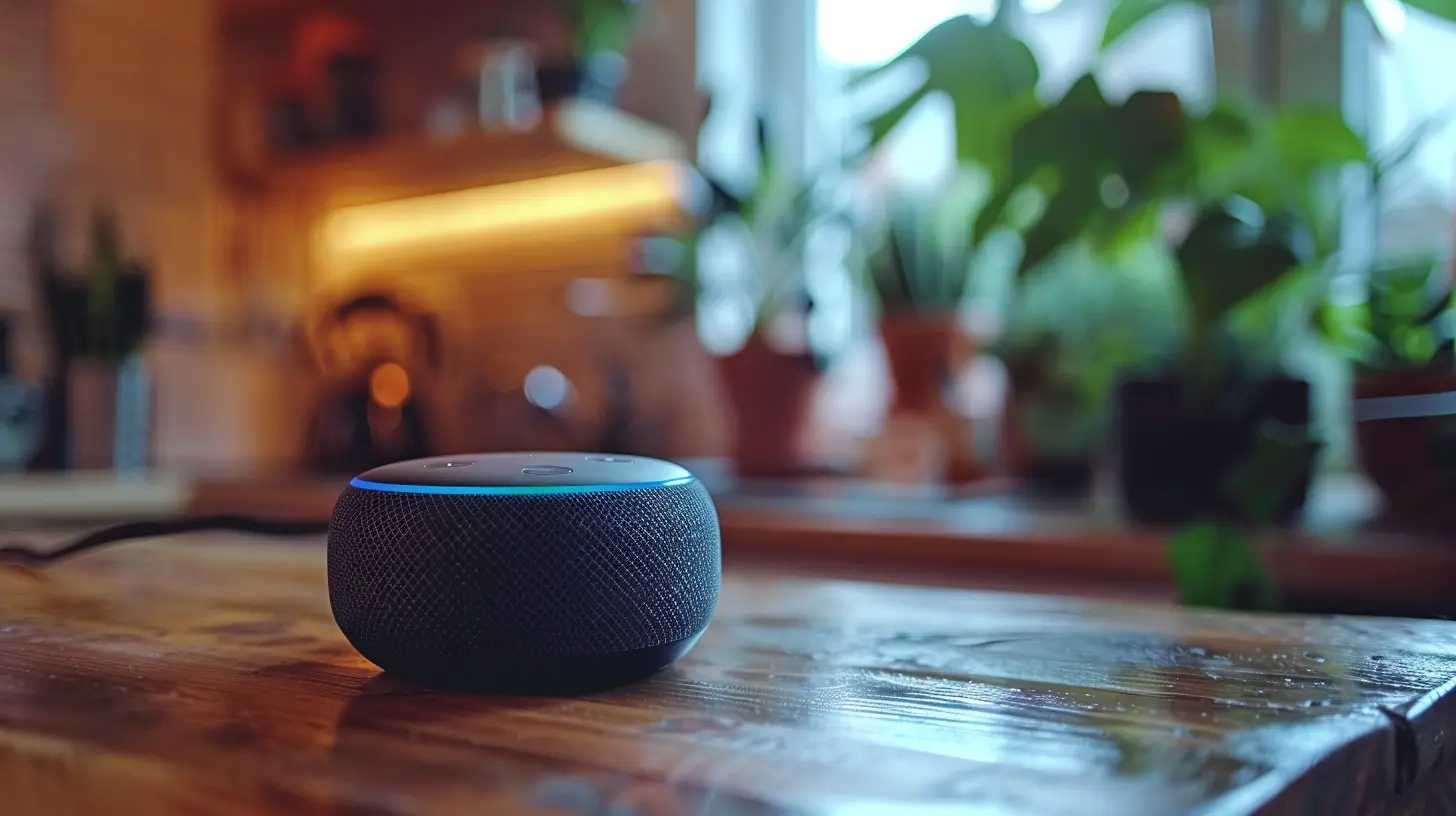
1. Compatibility with Your Existing System
One of the first things to consider is whether your new smart devices will work with your existing setup. Not all smart devices are designed to communicate with each other, and mixing incompatible brands can lead to a disjointed system.- Check Smart Home Hubs – If you're using a hub like Amazon Echo, Google Nest, or Apple HomeKit, make sure your devices are compatible.
- Wi-Fi vs. Zigbee vs. Z-Wave – Some devices connect via Wi-Fi, while others use Zigbee or Z-Wave protocols. If you mix protocols, you may need an additional hub to manage them all.
- App & Voice Control – Ensure your devices can be controlled from the same app or voice assistant (Alexa, Google Assistant, Siri).
Quick Tip
Before purchasing any device, check the manufacturer’s website for compatibility lists. It’s better to do this research upfront than face disappointment later.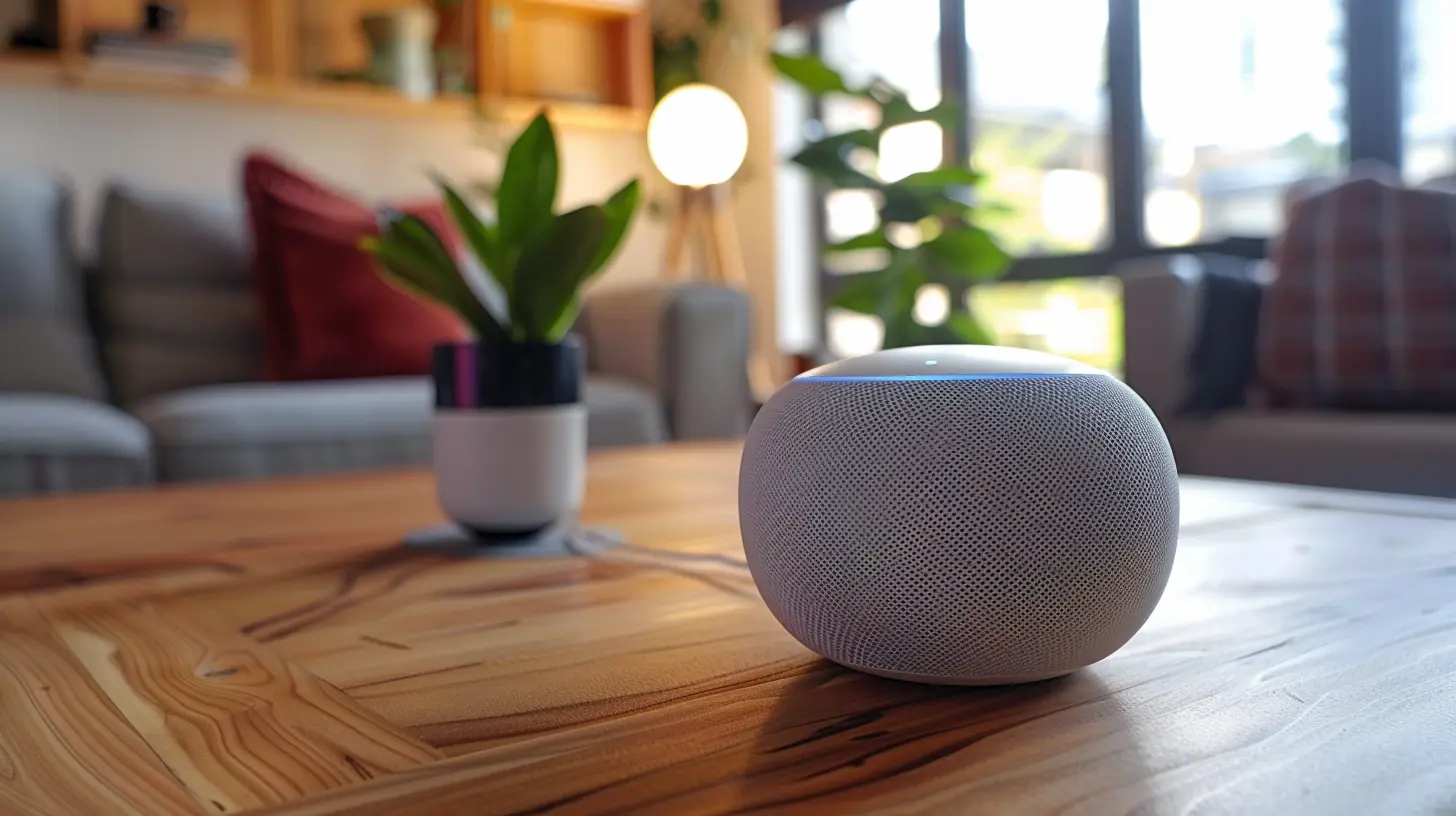
2. Ease of Installation and Setup
How tech-savvy are you? Some smart devices require professional installation, while others are simple plug-and-play solutions.- DIY vs. Professional Installation – Devices like smart bulbs and plugs are easy to install, but security systems and smart thermostats might need a professional touch.
- Wireless vs. Wired – Wireless devices are easier to install, but wired devices tend to be more reliable.
- Step-By-Step Guides – Look for products that come with clear instructions, tutorial videos, or even customer support for troubleshooting.
Quick Tip
If a device requires complex wiring and you’re not confident in your skills, hiring a professional might save you time (and prevent costly mistakes).
3. Security and Privacy Concerns
Cybersecurity should be a top priority when installing smart home devices. Since these gadgets connect to the internet, they can become potential targets for hackers if not properly secured.- Use Strong Passwords – Avoid using default passwords and set up unique, complex passwords for each device.
- Enable Two-Factor Authentication (2FA) – If your device supports 2FA, enable it for added security.
- Regular Firmware Updates – Manufacturers frequently release updates to patch vulnerabilities, so always keep your devices up to date.
- Secure Your Wi-Fi Network – Use WPA3 encryption and create a separate guest network for smart devices if possible.
Quick Tip
Invest in a high-quality firewall and VPN to add an extra layer of security to your home network.
4. Internet and Bandwidth Requirements
Smart home devices rely on the internet to function, and some gadgets require more bandwidth than others. If you overload your network, performance may suffer.- Check Your Internet Speed – A slow connection can cause lag in response times, video buffering, and device disconnections.
- Number of Devices – Count the number of connected devices in your home to ensure your router can handle them all.
- Dual-Band or Mesh Wi-Fi Systems – If you have multiple smart devices, consider upgrading to a dual-band or mesh Wi-Fi system for better coverage and performance.
Quick Tip
If your smart home devices are slow or lagging, check if your router needs an upgrade. Many internet providers offer routers that are not optimized for high-bandwidth usage.5. Energy Efficiency and Power Consumption
One of the main benefits of smart home devices is their ability to improve energy efficiency. However, not all smart gadgets are created equal, and some might consume more power than expected.- Smart Thermostats – Devices like Nest and Ecobee learn your habits and adjust heating and cooling settings to save energy.
- LED Smart Bulbs – These consume less electricity than traditional incandescent bulbs and can be scheduled to maximize efficiency.
- Energy Monitoring Plugs – These allow you to track energy usage and identify power-hungry devices.
Quick Tip
Look for ENERGY STAR-certified smart devices—they're designed for energy efficiency and long-term savings.6. Functionality and Automation Features
Beyond basic control, smart devices offer automation features that can simplify daily routines. But not all devices offer the same level of smart functionality.- Routine Automation – Devices that allow custom routines (e.g., turning off lights when leaving home) add true convenience.
- Geo-Fencing – Smart locks and thermostats can activate/deactivate based on your phone’s location.
- IFTTT (If This, Then That) Integration – Some devices work together via IFTTT, allowing you to set up chain reactions between gadgets.
Quick Tip
Before purchasing, think about your lifestyle. Are you looking for convenience, security, or energy savings? Choose devices that align with your priorities.7. Cost and Budget Considerations
Smart home devices can range from affordable to quite expensive, depending on features and brand reputation. Consider your budget and balance cost with functionality.- Upfront Costs vs. Long-Term Savings – Smart thermostats and energy-efficient devices may have a higher upfront cost but save money in the long run.
- Bundle Deals – Some brands offer starter kits that include multiple devices at a lower price.
- Subscription Fees – Some smart security cameras and home automation systems require a monthly subscription for full functionality.
Quick Tip
Start small with essential smart devices and expand as needed. There's no need to automate everything at once!8. User Reviews and Brand Reputation
Not all smart devices are created equal, so it's essential to read customer reviews and research brand reputations before purchasing.- Real User Feedback – Check reviews on Amazon, Best Buy, or dedicated tech forums.
- Warranty and Customer Support – Choose brands that offer good warranties and responsive customer service.
- Software Reliability – Some smart devices receive frequent software updates, while others may not be supported long term.
Quick Tip
A well-known brand with positive feedback is often a safer investment than a cheaper, unknown alternative.9. Integration with Future Smart Home Expansions
A smart home is an evolving project. When selecting devices, think about how they will fit into your future expansion plans.- Scalability – Will these devices still be relevant as you add more smart home gadgets?
- Cross-Brand Compatibility – If you start with one brand, will you be locked into its ecosystem?
- Cloud vs. Local Storage – Devices such as cameras may store footage locally or in the cloud. Consider how much storage you’ll need in the future.
Quick Tip
Opt for widely supported smart home platforms like Google Assistant or Amazon Alexa to ensure long-term compatibility.Final Thoughts
Installing smart home devices can transform your living space into a high-tech, efficient, and secure haven. However, rushing into the smart home trend without considering compatibility, security, energy usage, and long-term costs can lead to frustrations and wasted money.By taking your time to research, choosing reliable brands, and ensuring your home network can support these devices, you’ll set yourself up for a seamless and hassle-free smart home experience.
Are you ready to make your home smarter? Just take it one step at a time, and soon, you’ll wonder how you ever lived without automation!
all images in this post were generated using AI tools
Category:
Smart HomesAuthor:

Melanie Kirkland
Discussion
rate this article
2 comments
Cody McQuaid
Installing smart home devices? Just remember: they’re like pets. They need regular updates and some can be needy! And if you’re not careful, they might start conversing with your fridge at 2 AM instead of you. Choose wisely, or you might end up with a sassy home assistant!
March 17, 2026 at 1:16 PM
Melanie Kirkland
Great analogy! Just like pets, smart devices require attention and care—choose ones that fit your lifestyle!
Molly Whitley
“Great tips! Smart homes are the future!”
March 12, 2026 at 4:05 AM
Melanie Kirkland
Thank you! I'm glad you found the tips helpful. Smart homes truly are transforming our lives!